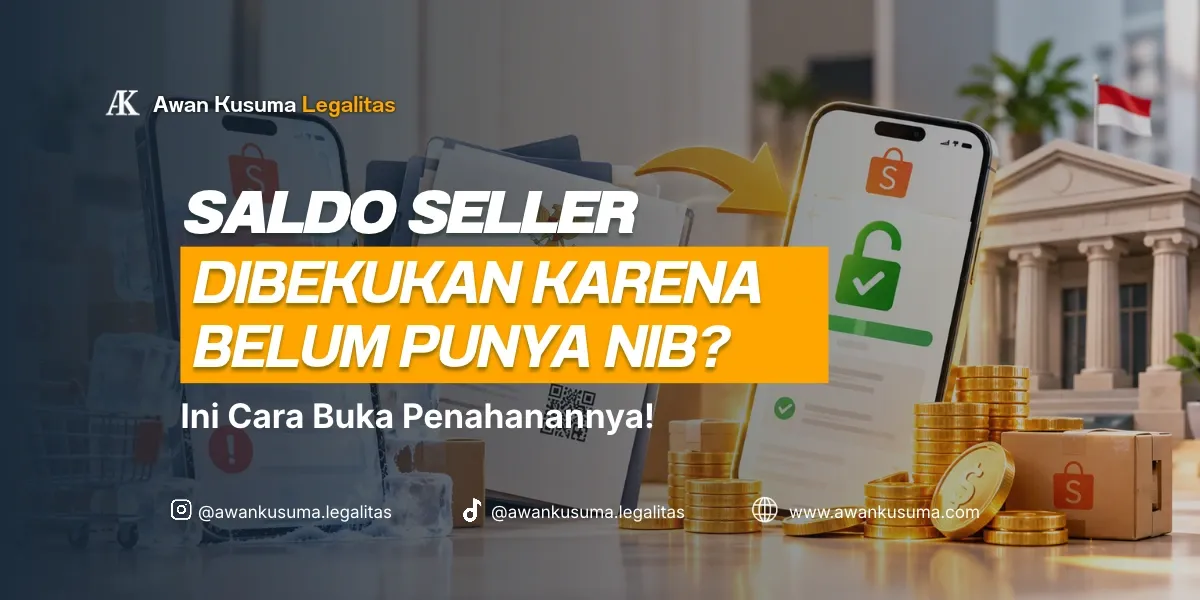
For online sellers on marketplaces such as Shopee, Tokopedia, TikTok Shop, or Lazada, suddenly finding your sales balance put on hold or unable to be withdrawn (payout freeze) is certainly a nightmare. Panic and confusion often occur when receiving a notification that fund withdrawal is restricted until business licensing documents (NIB) are uploaded.
Many sellers think that business licensing such as the Business Identification Number (NIB) is only intended for physical stores, factories, or large-scale PTs. In fact, as supervision of electronic commerce (PMSE) and e-commerce tax compliance becomes stricter, marketplace platform providers are now complying by verifying the NIB of all their seller partners.
So, why was this rule suddenly implemented, who is affected, what is the impact if left unaddressed, and what are the practical steps to withdraw your store balance again? See the guide below.
Why Can Seller Balances Be Frozen and When Did It Start?
Why Is It Frozen?
Balance freezing or payout feature restriction is carried out by marketplace platforms to comply with related government regulations:
- Government Regulation (PP) No. 80 of 2019 concerning Trade Through Electronic Systems (PMSE): Encourages all digital trade actors, both micro and small scale, to have legal business identity legality (NIB).
- E-Commerce Tax Compliance & NIK-NPWP synchronization: The government requires seller data structuring so that e-commerce platforms can ensure transactions run transparently and are recorded in the national tax system.
Who Is Affected?
- Individual Sellers/MSMEs: Online stores registered using personal accounts but with daily/monthly transaction values above the platform verification threshold.
- Stores with official store / Power Merchant / Mall status: Store accounts required to have complete legal administration compliance.
- Resellers & Dropshippers: Sellers using digital platforms as the main means of receiving money from sales.
What Are the Risks If the NIB Is Not Immediately Processed and Uploaded?
Ignoring the NIB request notification and allowing the balance hold can trigger much larger operational losses:
[ Balance On Hold ] ➔ [ Store Restricted / Moderation ] ➔ [ Rushed NIB Registration ] ➔ [ Wrong KBLI / Tax ]
- Fund Withdrawal Permanently Locked: Sales money that serves as business working capital cannot be transferred to a personal/company bank account until legality data is verified.
- Store Status Restricted (Store Moderation): Besides the held balance, the platform has the right to lower product search ranking, revoke product upload limits, and temporarily deactivate your store account.
- Risk of Wrong KBLI & Tax Selection: Because they are pressured to open fund withdrawal quickly, many sellers carelessly choose a KBLI code in OSS. As a result, the business profile is in the wrong category and triggers the potential for SP2DK during Corporate Annual Tax Return reporting.
Practical Steps to Unfreeze E-Commerce Seller Balance
So that your store balance is immediately disbursed and sales operations run smoothly again, follow these systematic steps:
Step 1: Prepare Personal Identity (NIK / NPWP)
Prepare the KTP and NPWP of the store owner. For those just starting an individual business, licensing registration can be adjusted to the micro or small business scale.
Step 2: Create an Official NIB Through the OSS System
Access the official OSS portal and register an Access Rights account. If the business is managed independently, you can use the Sole Proprietorship PT Establishment registration scheme or individual business entity to secure your business legal identity.
Step 3: Choose the Correct E-Commerce Trade KBLI Code
Make sure you choose the appropriate Indonesian Standard Industrial Classification (KBLI) code for online sellers, for example code 47901 – Digital Retail Trade Intermediation Platform. Precise KBLI selection is very important so as not to collide with additional sectoral permits.
Step 4: Upload the NIB to the Marketplace Platform & Request Unfreeze
After the official PDF NIB document is issued, open the Store Settings / Business Identity Verification menu in your seller center app, then upload the NIB document. The platform system usually takes 1–3 working days to verify and reopen your balance withdrawal feature.
FAQ About NIB for E-Commerce Sellers
Do home-based/small-scale online sellers still have to create an NIB?
Yes, all business actors who utilize digital media (e-commerce) are advised to have an NIB. For micro businesses, the NIB issuance process is free, fast, and automatically exempted from periodic LKPM reporting obligations.
Does creating an NIB automatically make an online store immediately subject to large taxes?
No. NIB is a business legality identity. Regarding taxes, individual sellers/MSMEs with turnover below IDR 500 million per year are not subject to Final Income Tax, while turnover above IDR 500 million up to IDR 4.8 billion per year can utilize the 0.5% MSME Final Income Tax rate.
What if my store is already in the form of a PT?
If the store is operated by a business entity, upload the NIB document in the name of that PT, and ensure the company's tax compliance status and PKP confirmation are in accordance with the store profile.
If you want to process the creation of an NIB for this online store without being troubled by the confusing OSS system, the Awan Kusuma Legalitas team is always ready to assist you. Starting from checking the right marketplace KBLI code through NIB management, adjusting documents through Company Deed Amendment, to initial legality matters such as PT Establishment and Sole Proprietorship PT Establishment.
Not only that, we are also ready to assist with your subsequent online business compliance needs, from PKP confirmation to Annual Tax Return reporting.
If there is anything about online store licensing you would like to discuss first, please schedule a casual chat with our team anytime you need.
→ Casual Chat & Consultation via WhatsApp with Awan Kusuma Legalitas